
ATX Third Spaces
An accessibility-first app helping Austin teens discover safe, welcoming third spaces through youth reviews and sensory-friendly filters.
I designed ATX Third Spaces because teens in Austin don't have one easy place to find spaces that match their interests and accessibility needs. Information is scattered everywhere. I wanted to build something where every teen — especially those with different sensory or mobility needs — can feel confident exploring and know they belong.
— Austin 11th Grader
Build With These Features
Here are this design's features. Tap the ones you like to add them to your build.
What is Build?
Your Build is like a wishlist — collect features from any design, then share your ideal combo.
Design Screens
1 / 5
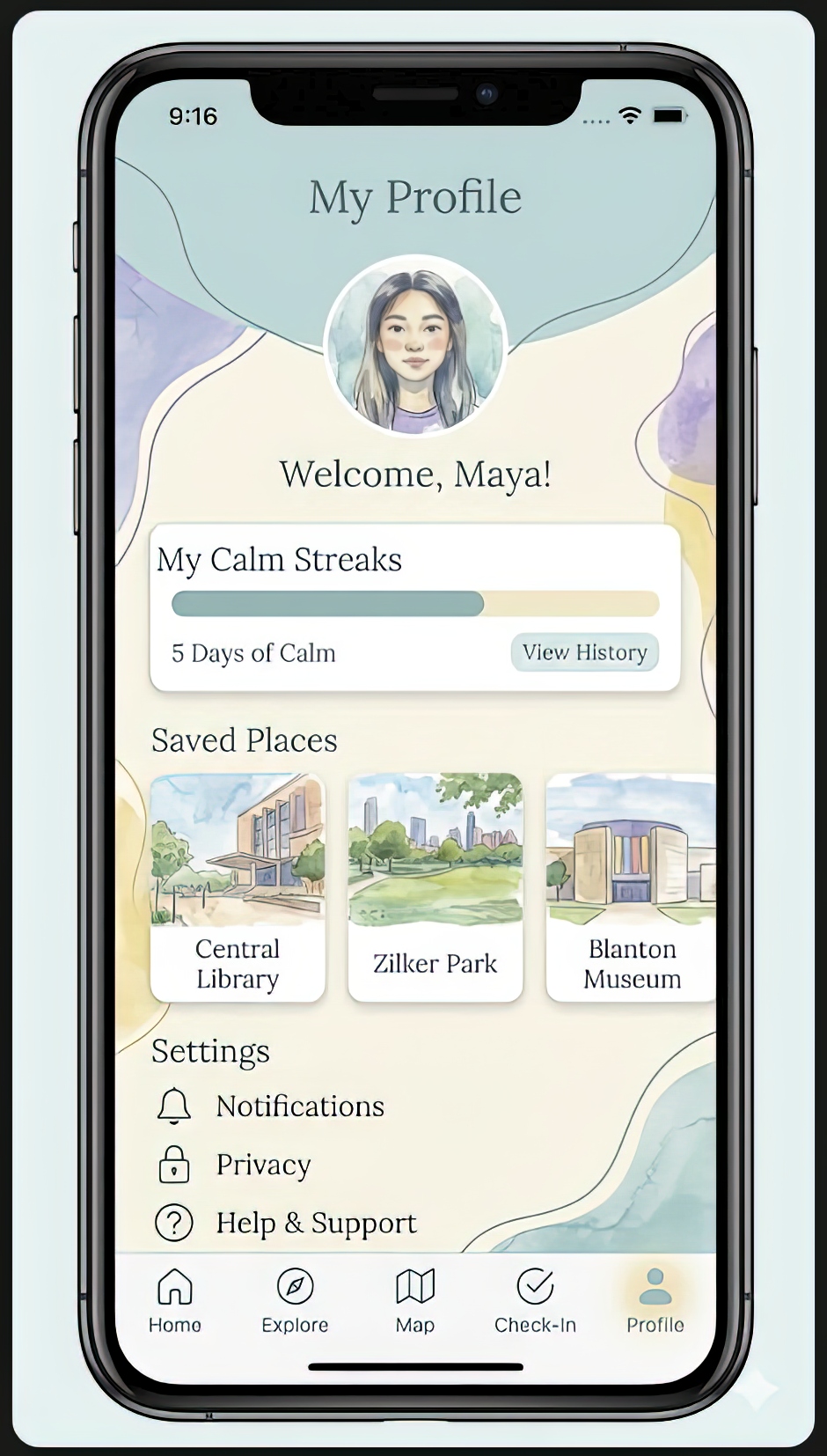
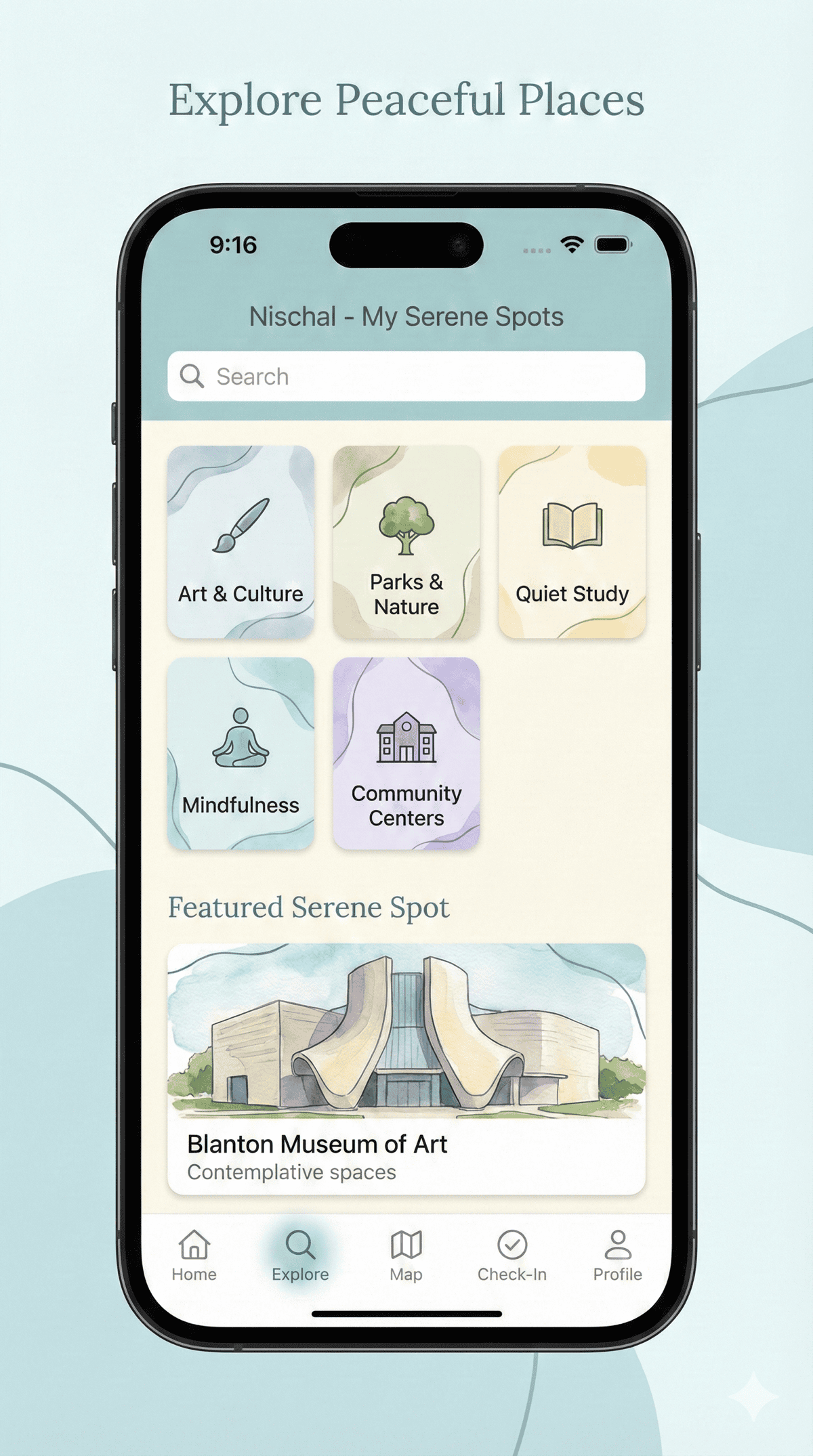
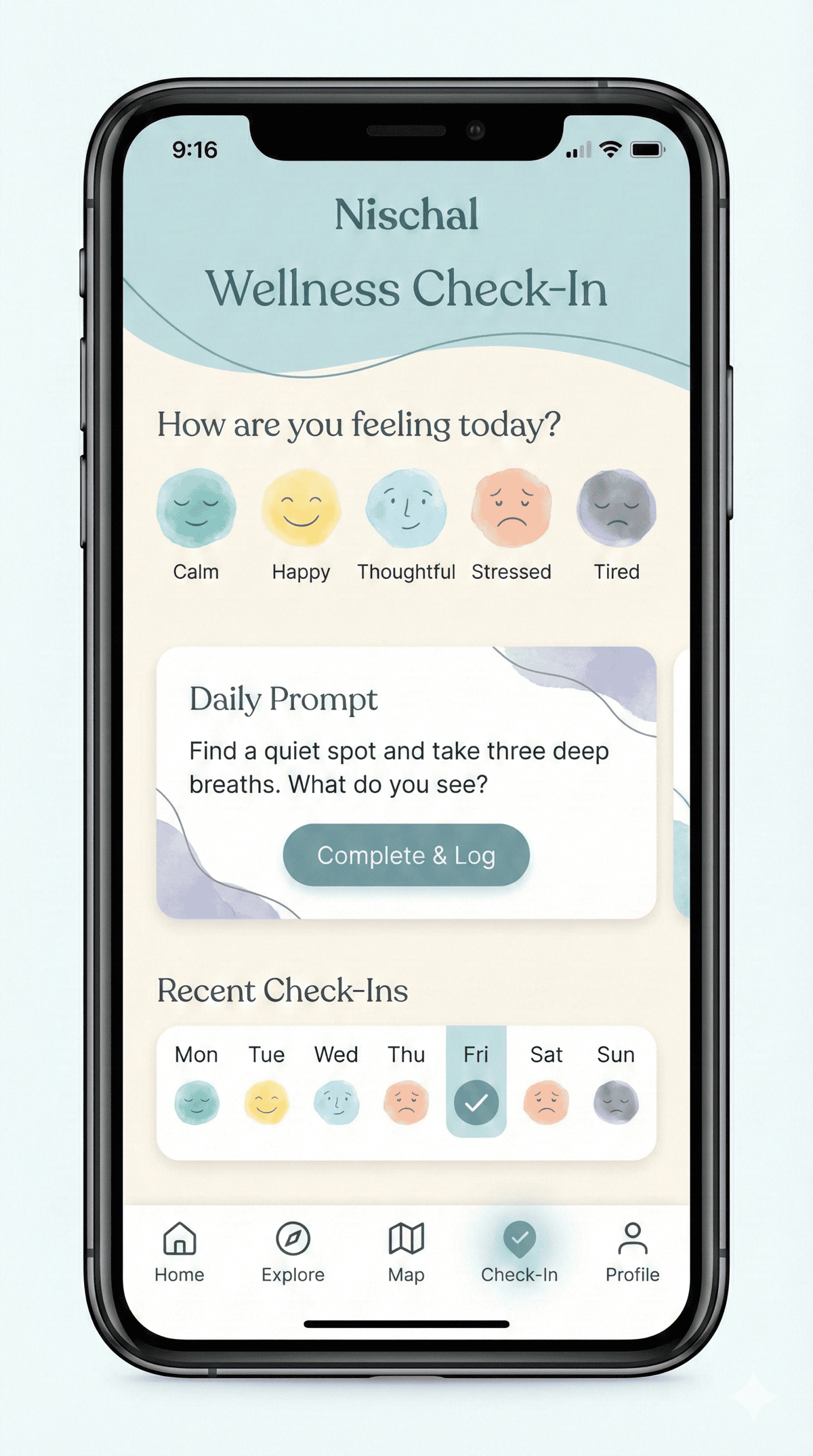
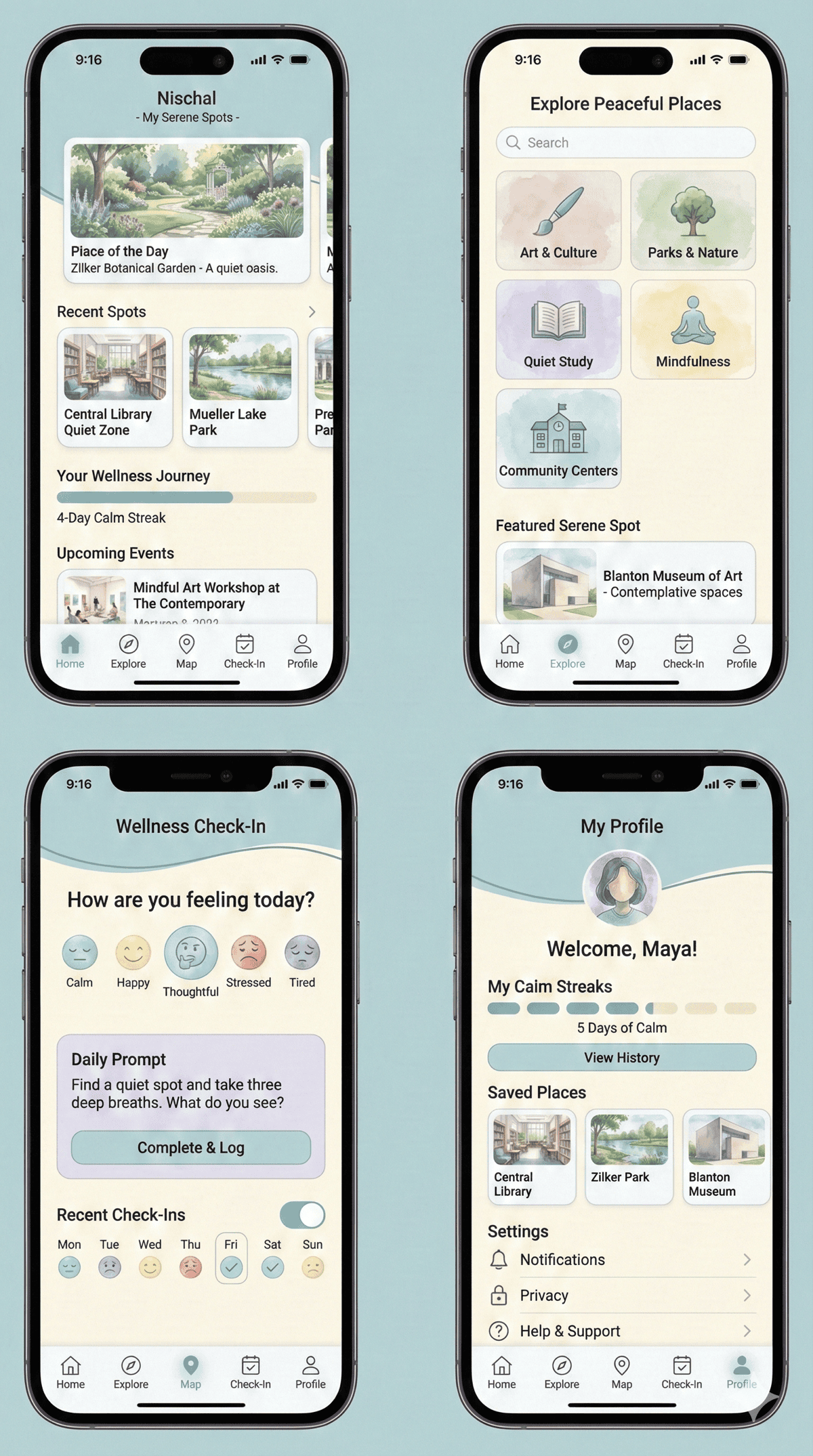
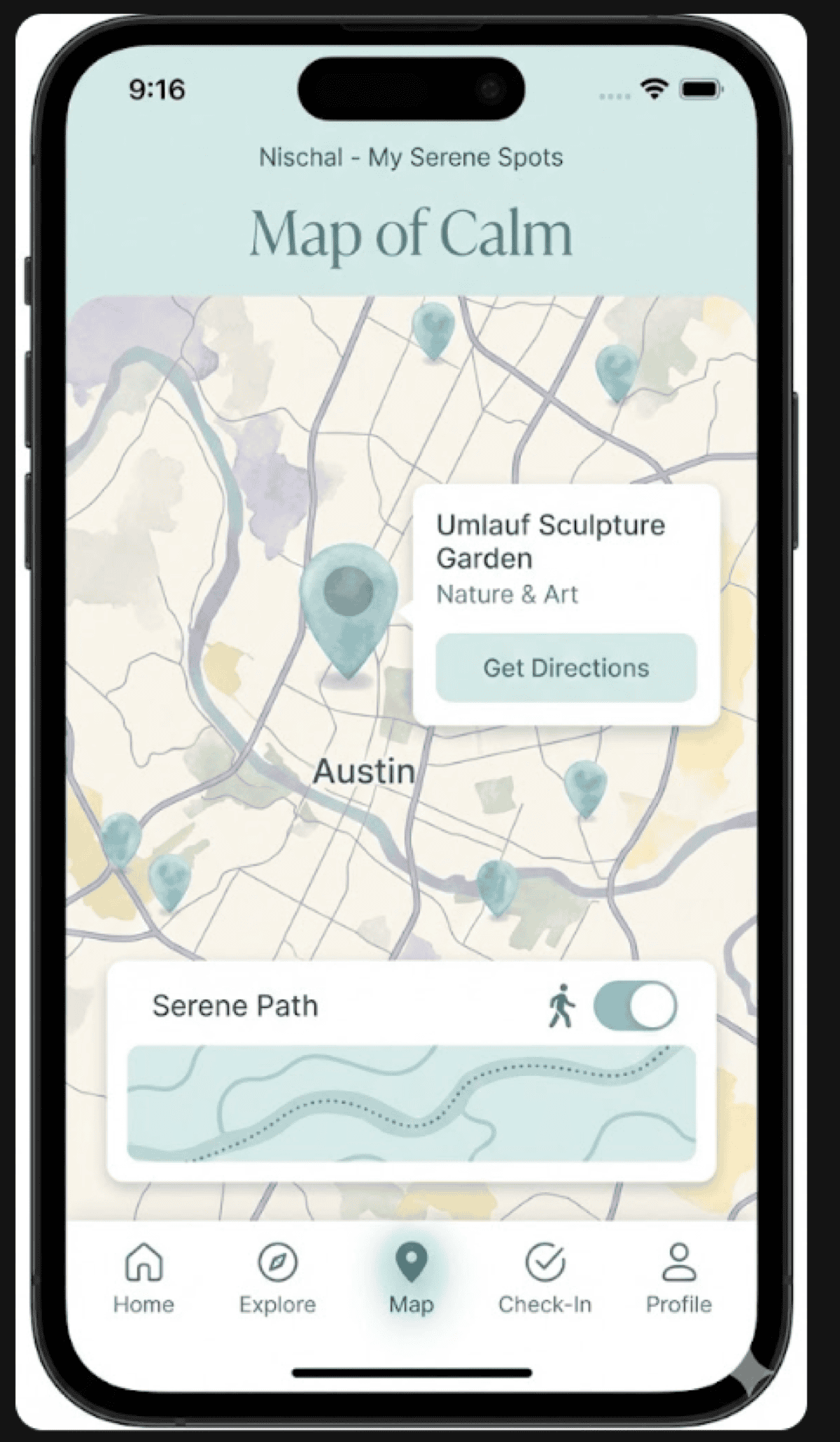
ATX Third Spaces helps Austin teens ages 12-18 find free, safe places to hang out across the city. But it’s not just a list of places — it also checks in on how you’re feeling. There’s a “Map of Calm” showing chill spots like the Umlauf Sculpture Garden and Blanton Museum of Art, and before you start exploring, the app asks “How are you feeling today?” so it can suggest places that match your mood.
Built for Accessibility
The designer wanted accessibility to be part of the app from the start, not something tacked on later. You can filter for wheelchair-accessible spaces, sensory-friendly spots, quiet study areas, and outdoor hangouts. Categories like Art & Culture, Parks & Nature, Quiet Study, Mindfulness, and Community Centers help you find what fits. The big question it tries to answer: “Will I feel comfortable when I get there?”
Mood Check-Ins and Calm Streaks
One of the coolest features is the Wellness Check-In. You pick your mood — Calm, Happy, Thoughtful, Stressed, or Tired — and get a little mindfulness tip before you head out. There’s a weekly tracker and “Calm Streaks” on your profile, kind of like a streak counter for taking care of yourself. You can also save favorite places, get walking directions with the “Serene Path” option, and everything has a soft, watercolor style that just feels nice to look at.